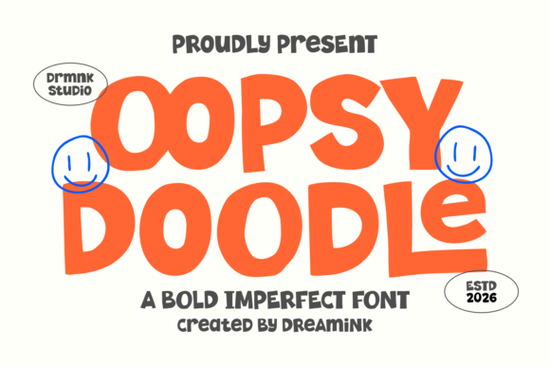
If you are looking for a typeface that feels hand-cut, slightly uneven, and full of playful energy, Oopsy Doodle Font delivers exactly that. This bold display font skips the rigid grid and leans into chunky, irregular strokes that mimic real paper cut-outs and spontaneous sketching. It works especially well for creators who want their projects to feel approachable, youthful, and intentionally imperfect without sacrificing readability.
What makes this typeface stand out from other display fonts?
The charm here comes from deliberate imperfections. Instead of perfectly aligned baselines, you get letters that bounce slightly, edges that look hand-trimmed, and a thick structure that holds up well at larger sizes. The cut-out aesthetic gives each character a tactile quality. For print-on-demand sellers and small business owners, that handmade vibe helps products feel less corporate. When you need a typeface that carries its own visual weight without extra illustrations, this style handles it cleanly.
Where does it work best in real projects?
Because of its high-impact letterforms, this font shines in spaces where you only have a few seconds to grab attention. Think social media headers, youth-focused branding, quirky product labels, and modern streetwear graphics. It also performs well on tote bags, sticker sheets, and packaging that targets a casual audience. If you are designing for a summer campaign or a relaxed lifestyle brand, you might want to explore how it sits alongside other playful options like coastal-inspired display typefaces that bring a similar laid-back mood to your layout.
For crafters using cutting machines, the thick strokes are a practical advantage. They cut cleanly on vinyl and cardstock, and the uneven edges hide minor weeding mistakes better than thin scripts. When setting up a shop banner or product line, pairing this font with a clean sans serif for fine print keeps everything readable.
How do you pair it without making the design feel crowded?
Chunky display fonts need room to breathe. The simplest approach is to use this typeface for headlines, short phrases, or brand names, then switch to a lightweight neutral font for descriptions and pricing. If you want to keep the playful theme going without competing for attention, you can test it alongside floral-themed display letters for accent words, or try softer handwritten styles when you need a gentler contrast. The goal is to let the bold characters lead the eye while the supporting text handles the details.
Color choice matters just as much. High-contrast combinations like mustard on charcoal or coral on cream make the cut-out details pop. Muted pastels work too, but increase the font size slightly so the irregular edges stay visible on phones.
What should you check before adding it to your toolkit?
Before you commit to any display typeface, run through a quick practical check. First, verify the license covers your intended use, especially if you plan to sell physical products or digital templates. Second, test the font at the exact size you will use in your final design. Some chunky fonts lose their character spacing when scaled down, so a quick print test or mobile preview saves time later. Third, look at the included glyphs. If your project requires accented characters, numbers, or basic punctuation, make sure the file supports them. You can review the full character set and licensing details for Oopsy Doodle Font directly on the platform.
If you are building a font library for seasonal releases, keep contrasting styles nearby. A rounded option like citrus-inspired display lettering covers spring promos, while this hand-cut style works year-round for casual brands and creative campaigns.
Quick setup checklist for your next project
- Test scale: Print or preview your headline at 100% size to check spacing and baseline bounce.
- Pair wisely: Use a light sans serif or simple serif for body text to keep readability high.
- Check licensing: Confirm commercial rights for print-on-demand, digital downloads, or client work.
- Adjust tracking: Add a small amount of letter spacing if the chunky strokes feel too tight on screen.
- Export correctly: Save print files as high-resolution PDFs or PNGs with transparent backgrounds for clean cuts.
Start with one headline, test it on your intended medium, and adjust the supporting text until the layout feels balanced. Let the typeface do the visual work so you can finish faster and move on to your next design.
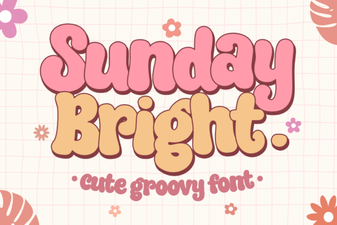 Sunday Bright Font for Creative Digital Projects
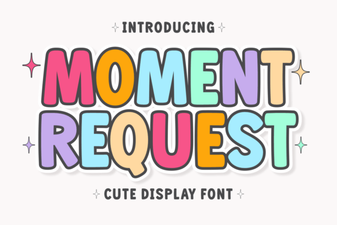 Crafting Projects with Moment Request Font
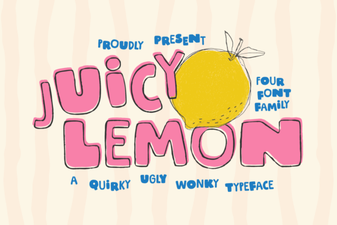 Juicy Lemon Font for Bright Design Projects
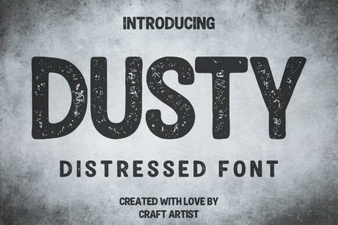 Vintage Dusty Font Styles for Modern Design
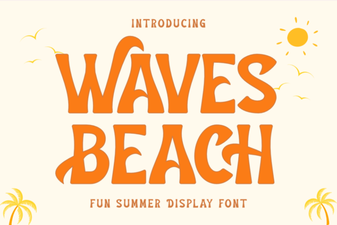 Waves Beach Font: Design Inspiration for Coastal Projects
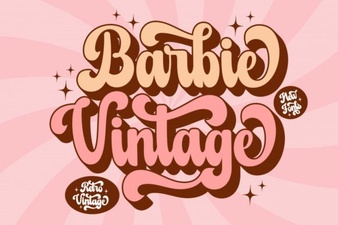 A Classic Barbie Retro Font Download