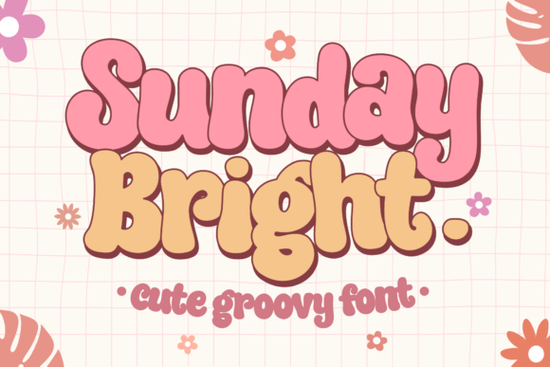
If you need a typeface that instantly adds a cheerful, retro vibe to your layouts, Sunday Bright Font delivers exactly that. Designed with bold, groovy curves and a playful rhythm, it works well for creators who want their text to feel friendly without looking messy. Whether you are designing printable wall art, custom tote bags, or eye-catching book covers, this display font gives you a clean, readable style that still feels handcrafted.
What makes this retro typeface stand out for everyday projects?
The charm of this lettering comes from its balanced weight and smooth curves. Unlike overly distressed vintage styles, it keeps a consistent baseline and clear character spacing, which means your words stay legible even at smaller sizes. The rounded terminals and slightly condensed proportions give it that nostalgic seventies feel, but the clean edges make it easy to cut on vinyl or print on fabric. If you usually reach for something like a soft retro script for branding, you will notice how this bold display option adds more structure while keeping the same warm personality. It also handles all-caps layouts nicely, which is helpful when you need a strong headline for packaging or social media graphics.
Where does a groovy display font work best?
Because of its thick strokes and upbeat rhythm, this typeface shines in projects that need quick visual impact. Think merchandise labels, festival posters, children’s book titles, and seasonal greeting cards. Print-on-demand sellers often use it for t-shirt quotes and sticker sheets because the solid shapes weed cleanly and print sharply on dark backgrounds. Small business owners find it useful for storefront signage and product tags where readability matters just as much as style. When you want something with a similar hand-drawn energy but a different mood, you might also test a bold comic style lettering for youth-focused products, or switch to a floral display typeface when your design calls for softer, botanical accents.
How do you pair it without cluttering your layout?
Groovy fonts can easily take over a design if they are not balanced with quieter elements. The simplest approach is to let this typeface handle your main headline or short phrase, then pair it with a clean sans serif or a light serif for body text. Keep your color palette to two or three shades, and give the letters plenty of breathing room. If you are layering text over illustrations, try placing the display font on a solid shape or a subtle texture so the curves do not compete with busy backgrounds. For projects that need a more relaxed, handwritten feel in the subheadings, a lightly textured display font can add contrast without fighting for attention. When you need an elegant alternative for wedding or boutique branding, a refined script display option often creates a nice balance alongside bold retro letters.
What should you check before downloading for commercial use?
Before you add any typeface to your workflow, it helps to verify a few practical details. First, confirm that the file includes the formats you need, usually OTF and TTF, so it works across design software and cutting machines. Second, review the license terms to see if commercial sales, print-on-demand uploads, or client work are covered. Some creators also look for multilingual support, punctuation sets, and alternate glyphs that make spacing adjustments easier. You can explore Sunday Bright Font directly to check the latest file specs, licensing details, and preview images. Keeping an organized font folder with clear naming conventions will save you time when you switch between projects or collaborate with other designers.
Choosing the right display typeface comes down to matching the mood of your project while keeping production steps simple. Here is a quick checklist to run through before you finalize your design:
- Test the font at both large and small sizes to confirm readability on your chosen medium.
- Check character spacing and adjust tracking if letters feel too tight on curved surfaces.
- Verify that your license covers the exact use case, including digital downloads or physical merchandise.
- Export a test print or cut file to see how the thick strokes handle your printer or vinyl cutter settings.
- Save a style sheet with your chosen color codes, pairing fonts, and layout margins for faster revisions.
Start with a simple mockup, apply the typeface to your main headline, and adjust the spacing until the words feel balanced. Once the layout looks clean on screen, run a quick physical test before scaling up your production.
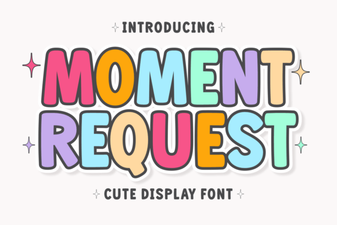 Crafting Projects with Moment Request Font
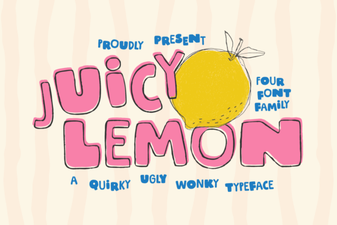 Juicy Lemon Font for Bright Design Projects
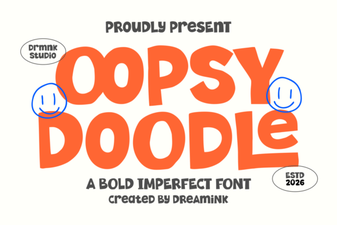 Oopsy Doodle: Creative Fonts for Casual Projects
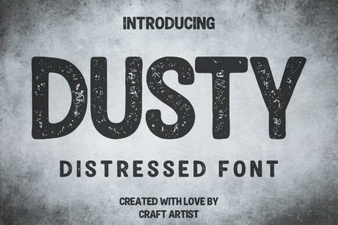 Vintage Dusty Font Styles for Modern Design
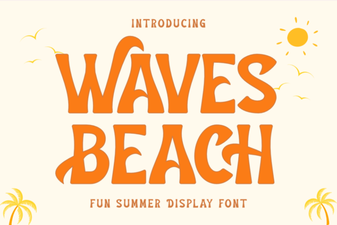 Waves Beach Font: Design Inspiration for Coastal Projects
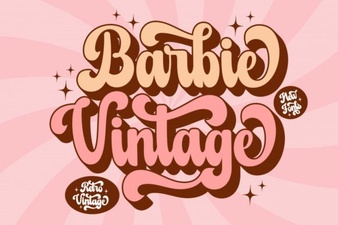 A Classic Barbie Retro Font Download