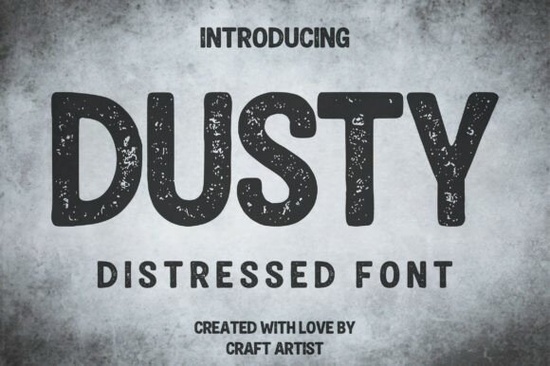
If you need a typeface that looks like it has been stamped, screen-printed, or left out in the elements, Dusty Font delivers that weathered look without extra editing. This all-caps display typeface builds the distressed texture directly into the letterforms, so you get a gritty, vintage finish the moment you type your headline. Designers, print-on-demand sellers, and small business owners use it when they want a handmade or industrial feel that still reads clearly at a glance.
What makes this typeface work for vintage and grunge projects?
The secret is in the built-in noise and speckling. Instead of adding Photoshop overlays or grunge brushes after the fact, the rough edges and subtle cracks are already baked into each character. The letters have a slightly rounded, block-like shape that keeps words legible even when the texture is heavy. Because it is an all-caps design, it naturally draws attention to short phrases, brand names, and bold statements. You will notice that the weight stays consistent across the alphabet, which helps when you are aligning text on packaging or apparel mockups. If you want to see how it fits alongside other rugged typefaces, you can browse the full textured headline font category for more layout ideas.
Which design projects actually need a distressed display font?
Not every layout calls for a worn-out aesthetic, but certain niches rely on it to communicate authenticity. This style shines when you are creating:
- Vintage t-shirt graphics and outdoor adventure apparel
- Craft beer labels, coffee bag branding, and rustic cafe menus
- Grunge music posters, album covers, and gig flyers
- Weathered signage, workshop decals, and handmade product tags
If your brand leans toward heritage, craftsmanship, or rugged outdoor themes, a textured typeface like this does the heavy lifting for you. It pairs well with kraft paper backgrounds, muted earth tones, and simple line illustrations. When you want something cleaner for body text, you can balance the rough headlines with a straightforward sans-serif or a friendly script like the options you might find in a playful display collection.
How do I pair a rough texture font with other typefaces?
Mixing heavy, distressed letters with other fonts requires a light touch. Since the main typeface already carries so much visual weight, keep supporting text simple. Use a clean geometric sans for details like dates, locations, or ingredient lists. If you are designing a poster or merch layout, try placing the gritty headline at the top and reserving the lower section for straightforward information. For projects that need a completely different mood, you might explore a bold comic-style lettering set when you want energetic, pop-culture vibes instead of a weathered look. The goal is contrast: let the textured font own the spotlight while secondary type stays quiet and readable.
What should I check before using it for print or merchandise?
Before you send files to a printer or upload designs to a marketplace, run through a few practical checks. First, verify the license covers your intended use, especially for physical products or digital templates. Second, test the font at actual print size. Distressed details can fill in on coarse paper or dark fabrics, so a quick test print saves time. Third, convert text to outlines or embed the font file when sharing with a print shop to avoid substitution issues. If you ever need a softer alternative for casual branding, a casual doodle style typeface can give you that relaxed feel without the heavy wear. When your layout calls for something more elegant, browsing a refined display font selection might provide the right contrast for subheadings.
Quick next steps before you finalize your design:
- Type your headline in all caps and check spacing at 100% zoom
- Print a small sample on your actual material to see how the texture holds up
- Pair with one clean supporting font to keep the layout balanced
- Confirm commercial licensing matches your sales platform requirements
- Export print files as PDF or PNG with transparent backgrounds for crisp results
Start with a simple mockup, adjust the tracking if the letters feel too tight, and let the built-in wear do the work. When the texture matches your brand story, you will spend less time editing and more time finishing projects that actually look handmade.
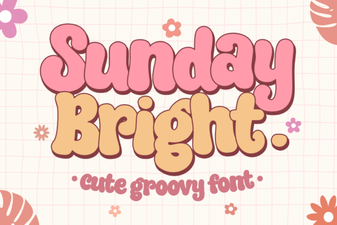 Sunday Bright Font for Creative Digital Projects
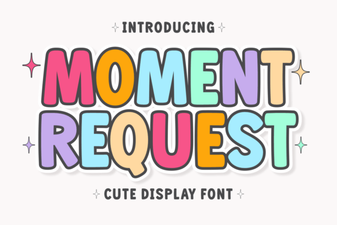 Crafting Projects with Moment Request Font
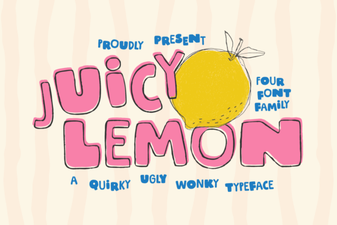 Juicy Lemon Font for Bright Design Projects
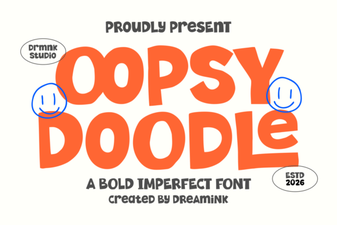 Oopsy Doodle: Creative Fonts for Casual Projects
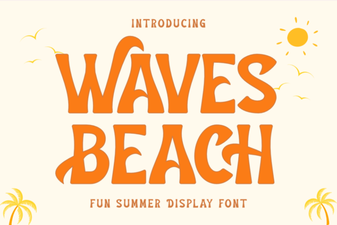 Waves Beach Font: Design Inspiration for Coastal Projects
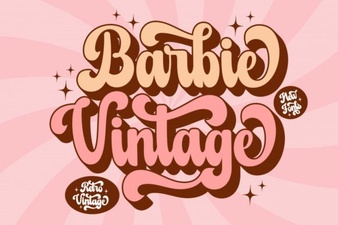 A Classic Barbie Retro Font Download