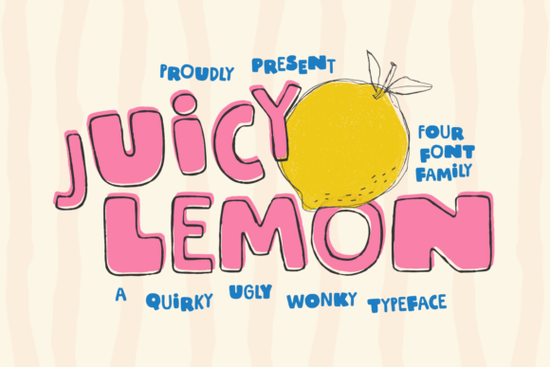
If you need a typeface that feels handcrafted without looking sloppy, Juicy Lemon Font delivers exactly that. It is a bold display font built around quirky curves, slightly uneven letterforms, and a deliberately messy rhythm that still reads clearly at larger sizes. Designers, print-on-demand sellers, and small business owners often choose this style when they want graphics to feel human, approachable, and a little unpredictable.
What makes this typeface stand out for branding and packaging?
The charm comes from intentional imperfections. Instead of rigid geometric lines, you get chunky strokes and hand-drawn energy that mimics marker lettering. That uneven baseline gives layouts a relaxed, organic feel. When you place it on product labels, tote bags, or social thumbnails, the letters naturally draw the eye without competing with your main imagery. For retail branding, this style signals creativity and warmth. Customers often associate handcrafted lettering with small-batch quality, which helps if you sell candles, snacks, apparel, or digital downloads.
Which projects work best with a hand-drawn display font?
Display typefaces are meant to be seen large. This one shines in short headlines, logos, quote graphics, and promotional banners where you only need a few words to make an impression. Reliable use cases include:
- Print-on-demand merchandise: T-shirt quotes, mug designs, and sticker sheets that rely on bold, readable lettering.
- Social media templates: Instagram carousels, Pinterest pins, and YouTube thumbnails that need quick visual hierarchy.
- Event and retail signage: Market stall banners, sale posters, and window decals where distance readability matters.
- Brand accents: Secondary logos, packaging stamps, and thank-you cards that complement a cleaner primary font.
If you prefer a different mood for your layout, you might pair it with a softer, weekend-inspired script for a relaxed vibe, or switch to bold lettering made for storytelling when your project needs a more graphic, illustrated feel.
How do you pair a chunky, playful typeface with other fonts?
The key is contrast. Because the letters are thick and expressive, they need breathing room and a neutral partner. A simple sans serif or light serif works best for body copy and fine print. Keep the display font for headlines, then let the supporting typeface handle the details. Limit your palette to two fonts total, and stick to one or two colors to avoid visual clutter.
When testing combinations, check the x-height and weight balance. If your secondary font feels too heavy, the layout will look crowded. Adjust tracking slightly on the display font if the letters touch at smaller sizes, and always preview your design at actual print dimensions before exporting. Some creators combine this style with a weathered, retro-style typeface to build vintage-inspired labels, or mix it with rustic lettering with a countryside feel for market branding. If your project calls for a nostalgic reference, you could also explore nostalgic, retro-inspired characters to round out your typographic toolkit.
What should you check before downloading and using it?
Always review file formats and licensing terms before adding any font to your workflow. Most display fonts include OTF and TTF files, which work across Windows, Mac, and standard design software. If you plan to use the typeface on merchandise for sale, confirm that your license covers commercial use and print-on-demand distribution. Technical setup is straightforward. Install the font files, restart your design application, and test a few sample words at different sizes. Check how capital and lowercase letters interact, especially if the font includes alternate glyphs. If you are designing for print, convert your text to outlines before sending files to a printer to avoid substitution issues.
You can explore the full listing and current licensing options for Juicy Lemon Font directly on the marketplace.
What steps should you follow before exporting your design?
- Install both OTF and TTF files, then restart your design software.
- Test headlines at 72pt and above to confirm readability and spacing.
- Pair with a lightweight sans serif or serif for body text and fine print.
- Check commercial licensing if you plan to sell physical or digital products.
- Convert text to outlines before printing or sharing final client files.
Start with a single headline, adjust the tracking until the letters breathe, and save your font pairing as a template. Once you have a consistent layout system, you can reuse the same structure across packaging, social posts, and shop banners without starting from scratch each time.
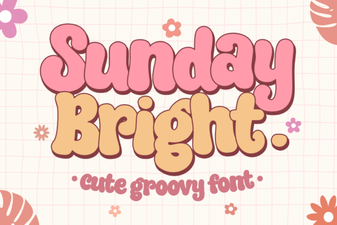 Sunday Bright Font for Creative Digital Projects
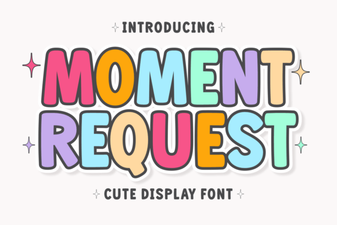 Crafting Projects with Moment Request Font
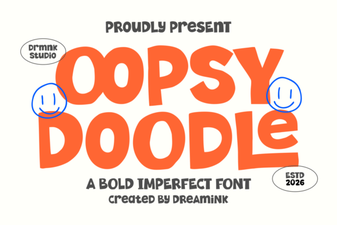 Oopsy Doodle: Creative Fonts for Casual Projects
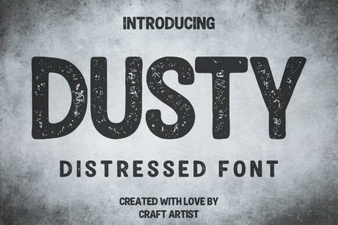 Vintage Dusty Font Styles for Modern Design
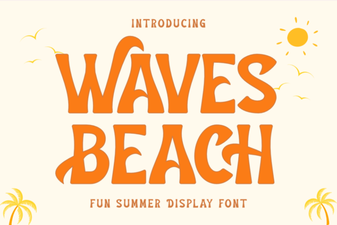 Waves Beach Font: Design Inspiration for Coastal Projects
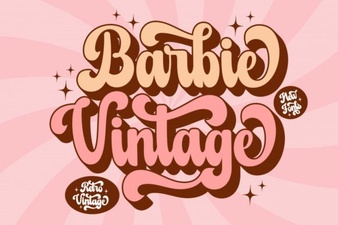 A Classic Barbie Retro Font Download