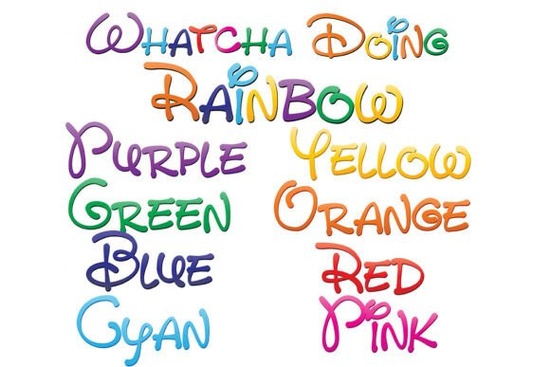
If you need a fast way to add vibrant, rainbow-colored text to your layouts without manually masking gradients or stacking vector shapes, Whatcha Doing Font handles the coloring process for you. This pack includes nine OpenType files, each featuring a casual, hand-drawn print style filled with a different rainbow gradient. The ninth file combines all eight color variations into a single typeface for a more varied look. Instead of spending extra hours adjusting fills, you simply type and the colors appear automatically. For print-on-demand sellers, crafters, and small business owners who need consistent typography across multiple products, this workflow saves a noticeable amount of editing time.
How do full-color SVG fonts actually work?
Standard desktop fonts only store outline data, which means you have to apply your own fills, strokes, and effects. SVG color fonts embed vector artwork and color information directly inside each character. When you type a letter, your software pulls the pre-colored vector shape instead of a plain outline. Because the graphics are vector-based, you can scale them up for large wall art or shrink them down for sticker sheets without any pixelation or blurry edges. The main limitation is that not every program reads SVG data yet. If your software does not support color typography, the letters will default to solid black. This is completely normal and does not mean the files are damaged.
Which design programs will show the colors correctly?
Before you start a new project, it helps to know where these files will perform as intended. Adobe Illustrator, Photoshop, and InDesign all support OpenType SVG fonts. You will also see the full rainbow gradients in Silhouette Studio, QuarkXPress, and Inkscape. Many users notice that the font preview window still shows black text even in fully compatible programs. Do not let that stop you. Go ahead and type your phrase in the main workspace. If your software supports the format, the colors will appear on the canvas. If you primarily work in older design tools or basic word processors, you may need to switch to a supported application to see the intended effect.
Where does this style fit best in your projects?
The relaxed, hand-written print style works well for products that need a friendly, approachable vibe. Think about nursery wall art, birthday party invitations, teacher appreciation gifts, or seasonal mug designs. Print-on-demand sellers often use this type of typography for t-shirts and tote bags because the built-in gradients remove the need for complex color separation during printing. If you run a small crafting business, the consistent color mapping makes it easier to batch-produce items like vinyl decals, scrapbook titles, or digital planner stickers. You can also explore more playful typeface options for craft projects when you want to mix and match styles across a seasonal product line.
What should you know before installing and exporting?
Installation follows the same steps as any standard desktop font. Mac users can double-click the files and add them through Font Book, while Windows users can install them via the Control Panel or a dedicated font manager. Once activated, restart your design software so the new typefaces appear in your dropdown menu. When it comes time to export, keep your production workflow in mind. SVG color fonts render best when saved as PDF, PNG, or SVG files. If you send a design to a commercial printer, ask whether their RIP software supports embedded color typography. Some print shops still prefer flattened artwork, so converting your text to outlines or exporting a high-resolution PNG may be necessary before sending files to production.
How can you get the most out of this collection?
Since you receive nine separate files, you can swap between individual rainbow gradients or use the combined version for a more dynamic layout. Try pairing the colored text with a simple neutral background so the letters stay readable at smaller sizes. If you need a monochrome version for a specific product, most design programs let you override the embedded colors with a single fill. This gives you the flexibility to use the same hand-drawn shapes in black, white, or brand-specific colors without purchasing a separate font pack.
Before you start your next design, run through this quick setup checklist:
- Install all nine files and restart your design software
- Type a test phrase in the main workspace to confirm color rendering
- Check your export settings and save as PNG, SVG, or PDF
- Verify print requirements with your manufacturer if selling physical goods
- Keep a backup of the original font files in a dedicated project folder
With the right software and a few simple workflow adjustments, you can drop vibrant, ready-to-use typography into your layouts and move straight to creating products that sell.
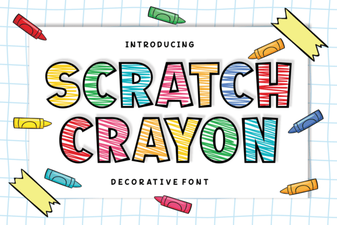 Scratch Crayon Font: Fun Diy Project Ideas
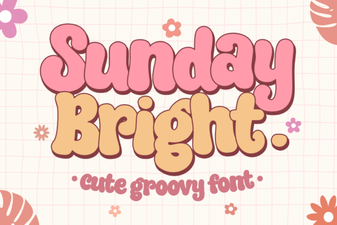 Sunday Bright Font for Creative Digital Projects
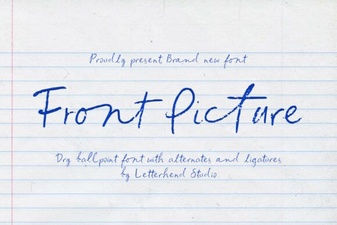 Choosing Fonts for Hero Images & Landing Pages
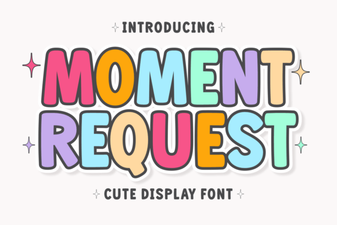 Crafting Projects with Moment Request Font
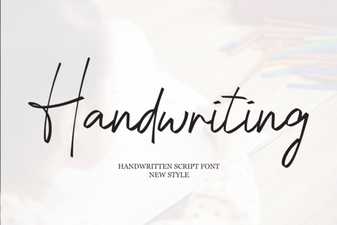 Beautiful Handwriting Fonts for Your Creative Projects
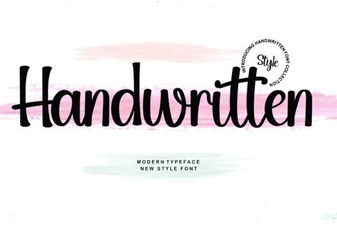 Craft Unique Projects with Handwritten Font Styles