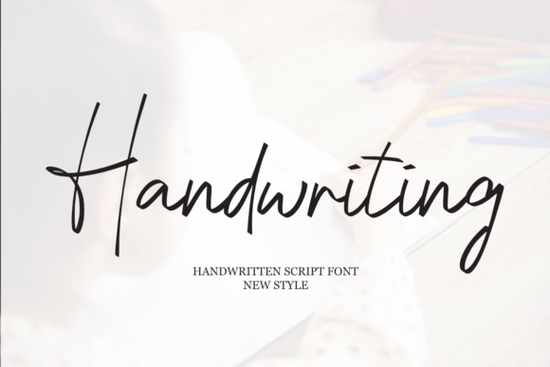
If you are looking for a typeface that feels personal without sacrificing readability, the Handwriting Font delivers exactly that. It brings a soft, cursive flow to your layouts while keeping the casual warmth of actual pen strokes. Designers, crafters, and small shop owners often choose this style when they want a romantic or joyful mood without making the final piece look overly formal.
What makes this script style work for everyday projects?
The charm of a well-drawn cursive typeface lies in its balance. This design keeps letterforms open and lightly connected, so your text stays legible even at smaller sizes. You get the elegant sweep of a hand-drawn script without the tight spacing that often causes printing issues. For print-on-demand sellers, that means fewer misprints and cleaner results on mugs, tote bags, and stickers. If you enjoy browsing collections that focus on natural pen strokes, you will notice how the gentle curves here avoid looking stiff.
Where does a casual cursive typeface fit best?
Not every project needs a bold display font. Sometimes you just need a friendly voice that guides the eye. This style works smoothly across:
- Wedding stationery: invitations, place cards, and welcome signs that need a relaxed feel.
- Brand identity: logos, social media quotes, and packaging labels for boutique shops.
- Marketing materials: lookbooks, promotional flyers, and email headers that benefit from a personal touch.
- Greeting cards: birthday, anniversary, or holiday designs where warmth matters more than strict formality.
When building a cohesive visual style, pair this script with a clean sans serif for body text. The contrast keeps layouts readable while letting the cursive elements stand out. If your shop also carries playful products, you might want to explore lighter, dessert-themed lettering for seasonal drops or kids’ merchandise.
How do you set it up for clean, professional results?
Working with any connected font requires a few simple adjustments. First, check the kerning and tracking in your design software. Script typefaces usually include built-in ligatures and alternate swashes, so turning on OpenType features will automatically fix awkward gaps. Second, avoid stretching the font horizontally or vertically. Distorting proportions breaks the natural rhythm and makes strokes look uneven.
For crafters using cutting machines, convert your text to outlines before sending the file to your software. This prevents missing glyphs and ensures every curve cuts exactly as intended. If you are designing for younger audiences or classroom materials, you may also want to look at typefaces built for early readers to keep educational projects clear.
What should you verify before using it commercially?
Licensing is the part most creators overlook until they launch a product. Always review the included license file to confirm whether your intended use falls under personal or commercial terms. Most marketplace fonts allow small business sales, but some restrict large-scale manufacturing or trademark registration. Keep a copy of your purchase receipt and note the version number you downloaded.
If you frequently rotate typefaces for client work, it helps to keep a curated folder of reliable script options that you have already tested for print and web. Having a short list of proven fonts saves hours during busy seasons. For family-focused brands or nursery decor lines, you might also review softer, rounded lettering styles that match a gentle aesthetic.
Quick setup checklist before you export
- Enable OpenType ligatures and stylistic alternates in your design program.
- Test print a small sample at the final size to check stroke weight and spacing.
- Pair with a neutral sans serif for paragraphs and contact details.
- Convert text to outlines or paths before sending to printers or cutting software.
- Save your license file in the same folder as your project assets.
Download the font, run a quick test layout, and adjust the tracking until the connections flow naturally. Once you lock in the spacing, you can reuse the same settings across your entire brand kit or product line.
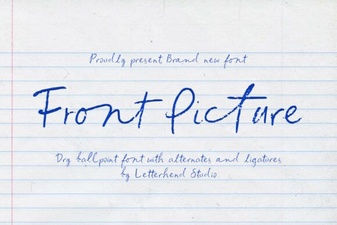 Choosing Fonts for Hero Images & Landing Pages
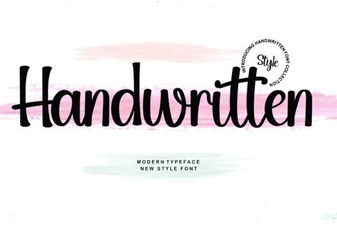 Craft Unique Projects with Handwritten Font Styles
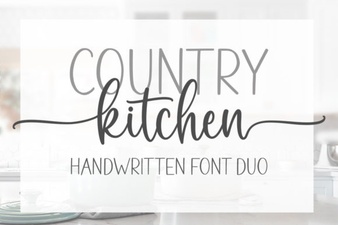 Country Kitchen Fonts for Home & Craft Projects
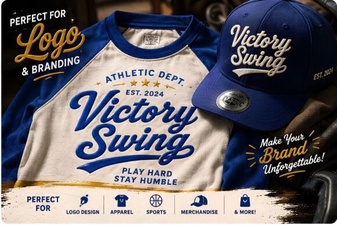 Victory Swing Font: Elegant Design for Creative Projects
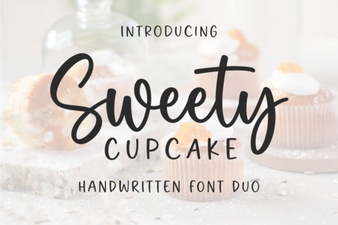 Sweet Cupcake Font: Craft Creative & Fun Designs
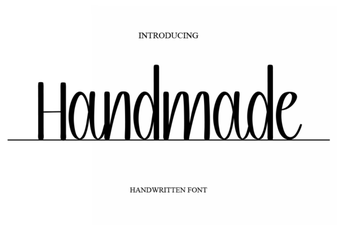 Unique Handmade Fonts for Creative Projects