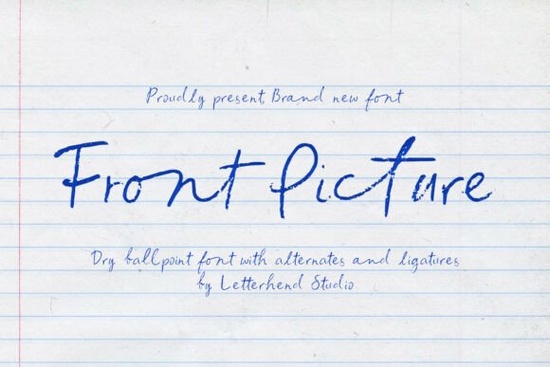
If you need a typeface that looks like it was jotted down during a quiet coffee break, Front Picture Font delivers exactly that. It mimics the dry, slightly scratchy texture of a ballpoint pen moving across paper, complete with uneven pressure and a relaxed rhythm. Instead of polished curves, you get authentic imperfections that make digital text feel genuinely handwritten. Designers, crafters, and small business owners often choose this style when they want their projects to feel personal, approachable, and quietly creative.
What makes this handwritten typeface feel so authentic?
Most script fonts smooth out every stroke, but this one leans into the messy reality of actual note-taking. The letterforms carry subtle rough edges, varied line weights, and the kind of natural slant you see when someone writes quickly. That dry pen texture shows up in the thinner connections, while the heavier downstrokes keep the words grounded. Because the spacing isn’t perfectly uniform, each line reads like a real thought captured on a notebook page. If you’ve ever tried to fake a handwritten look by manually adjusting kerning, you’ll appreciate how much time this saves. The intentional irregularities do the heavy lifting for you.
Where does a casual notebook-style font work best?
This style shines in projects that rely on warmth and approachability. Think printable journal covers, thank-you cards for handmade orders, or subtle branding elements for indie shops. Print-on-demand sellers use it on tote bags, mugs, and stickers where a polished corporate typeface would feel out of place. It also works nicely for social media graphics that need a personal touch without looking overdesigned. Just keep the text short. Long paragraphs in a highly textured handwritten font can become tiring to read, so reserve it for headlines, short quotes, product labels, and signature-style sign-offs. When used sparingly, it adds quiet personality without overwhelming the layout.
How do you pair it with other typefaces?
A rough, casual script needs a clean partner to keep your design balanced. Try matching it with a straightforward sans serif for body copy, or a gentle serif when you want a slightly more refined contrast. If you’re building a font library for seasonal packaging, you might explore a cozy display option like the one featured in our country kitchen collection for rustic labels. For lighter, spring-themed projects, a soft handwritten style from our pink pastel font roundup can sit nicely alongside rougher textures. When you need something more structured for subheadings, the clean lines in our alignment typeface guide offer a reliable counterpoint. If your design calls for a playful bounce, you could test combinations using ideas from our olivia scatter font showcase, or keep things elegant with the flowing strokes highlighted in our randy sofia font selection. The goal is always contrast: let the handwritten font carry the personality while the supporting typeface handles readability.
What should you check before adding it to your toolkit?
Always review the license before using any font for commercial work. Creative Fabrica typically includes a commercial license with downloads, but it’s wise to confirm the terms for your specific use case, especially if you’re selling physical products, digital templates, or client branding. Check the file formats included in the package. Most modern design software runs smoothly with OTF or TTF files, and many bundles also include web font versions if you plan to use the typeface on a storefront. Test the font at different sizes before committing to a layout. Textured scripts often lose their character when scaled too small, and they can look overwhelming when stretched across a wide banner. Finally, turn on kerning and ligatures in your design program if the font supports them. Those small adjustments usually fix awkward gaps and make the handwritten flow feel even more natural.
- Keep it short: Use the font for titles, quotes, or signatures, not long paragraphs.
- Pair with simplicity: Match it with a clean sans serif or neutral serif for body text.
- Test sizing early: Check readability at 12pt, 24pt, and 48pt before finalizing your design.
- Verify licensing: Confirm commercial rights for print-on-demand, templates, or client work.
- Export carefully: Flatten or outline text in print files to preserve the dry pen texture.
Start by typing a few real phrases from your project, adjust the tracking slightly if needed, and see how the natural rhythm fits your layout. If the texture feels right, you’re ready to move into production.
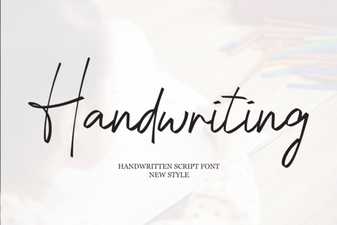 Beautiful Handwriting Fonts for Your Creative Projects
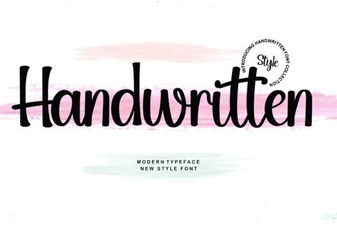 Craft Unique Projects with Handwritten Font Styles
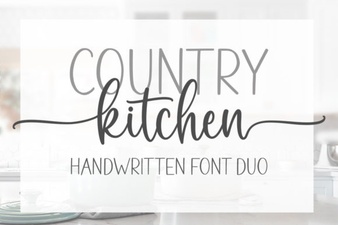 Country Kitchen Fonts for Home & Craft Projects
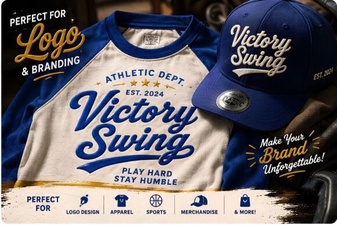 Victory Swing Font: Elegant Design for Creative Projects
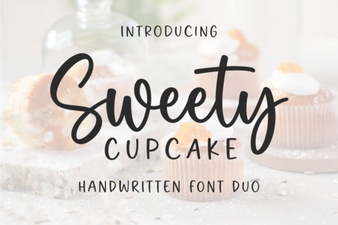 Sweet Cupcake Font: Craft Creative & Fun Designs
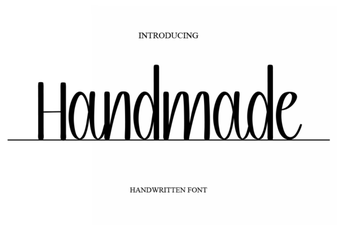 Unique Handmade Fonts for Creative Projects