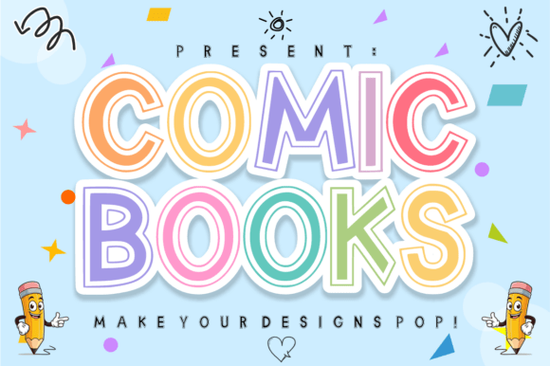
If you need a typeface that instantly grabs attention on children’s products, party prints, or playful branding, the Comic Books Font delivers exactly that. It is a bold display typeface built around a double-outline structure and a hollow inline detail, giving you built-in room for color layering without extra design work. Designers, print-on-demand sellers, and crafters use this style when they want headlines that feel energetic but still read clearly at a glance.
What makes this style work for kids’ designs?
Children’s graphics rely on high contrast, simple shapes, and a sense of movement. This font hits those marks by keeping the letterforms thick and rounded while adding a clean inner cutout. The hollow inline acts like a built-in guide for adding a second color or a subtle texture. You get a comic-book feel without the messy edges that often come with heavily distressed typefaces. The result is a modern, readable display font that still feels fun and hand-crafted.
Because the outlines are consistent, the letters sit evenly on a baseline. That matters when you are laying out sticker sheets, classroom posters, or digital thumbnails. You spend less time adjusting kerning and more time testing color combinations that match your brand palette.
How do you layer the double-outline effect?
The inline detail is the main feature, and it is surprisingly easy to work with in most design programs. Here is a straightforward way to get the most out of it:
- Pick a base color for the outer stroke that matches your background contrast needs.
- Add a second fill inside the hollow section using a lighter shade or a simple white highlight.
- Test readability at small sizes. Display fonts shine at 36pt and above, so keep body text in a simpler sans serif.
- Use a subtle drop shadow only when placing the text over busy photos or patterned paper.
This approach keeps the design clean and prevents the letters from looking overcrowded. If you are creating print-on-demand items like t-shirts, limit your palette to two tones so the ink lays down smoothly.
Where does it fit in a real design workflow?
I typically reach for this kind of bold display type when I need a focal point that carries the whole layout. It works well for product titles on Etsy listings, cover text for kids’ activity books, and headers on packaging labels. The thick strokes hold up nicely on textured cardstock and vinyl cuts, making it a reliable choice for hobbyists using cutting machines.
When you are building a full brand kit, you will want to balance the heavy display letters with simpler supporting fonts. For example, you might pair this comic-inspired typeface with a bright, casual sans for subheadings, or mix it with a clean, modern script when you need a softer accent on invitation suites. If your project leans more toward hand-drawn charm, sketchy doodle letters can add a playful secondary layer without competing for attention. And when you want something with a rounded feel for menu boards, a soft, bubbly style keeps the mood light and consistent.
What should you check before downloading?
Font licensing is often overlooked until a project goes live. Always review the commercial terms that come with Comic Books Font to confirm whether your intended use is covered. Most standard licenses allow personal projects, small batch prints, and digital mockups, but high-volume merchandise may require an upgraded license. Keep a copy of your receipt and the license file in your project folder.
You should also test the font file in your preferred software before committing to a full layout. Check that the OTF or TTF version installs correctly, verify that the inline layer aligns properly, and run a quick print test to see how the thin inner cuts reproduce on your chosen material. Always run a small test print before cutting vinyl or ordering bulk merchandise.
How do you get the full package?
If you are ready to add this style to your library, you can grab the complete font package directly from the collection page. The download typically includes the main font files, a basic character set, and installation instructions for Windows and Mac. Restart your design app after installing, and you will be ready to type out your first headline in minutes.
Quick setup checklist before you start designing:
- Install the OTF/TTF file and restart your design program
- Set headline size to 36pt or larger for clear inline visibility
- Choose two contrasting colors for the outer stroke and inner hollow
- Pair with a simple sans serif for body copy and fine print
- Save a print proof at 100% scale to check line weight and spacing
Test one layout, adjust the color balance, and you will have a repeatable template for stickers, posters, and kid-friendly branding that looks polished every time.
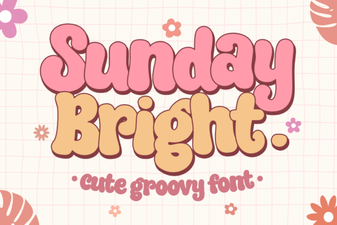 Sunday Bright Font for Creative Digital Projects
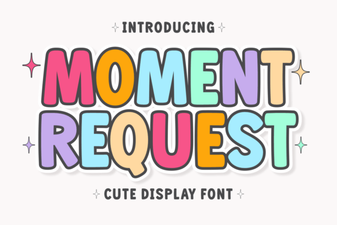 Crafting Projects with Moment Request Font
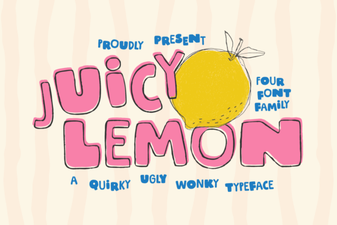 Juicy Lemon Font for Bright Design Projects
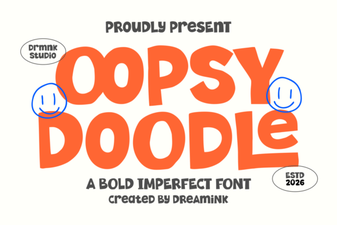 Oopsy Doodle: Creative Fonts for Casual Projects
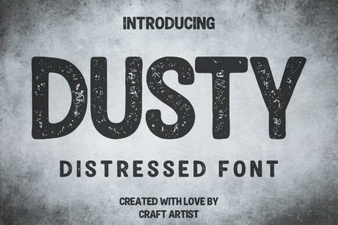 Vintage Dusty Font Styles for Modern Design
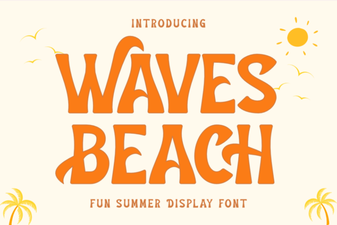 Waves Beach Font: Design Inspiration for Coastal Projects