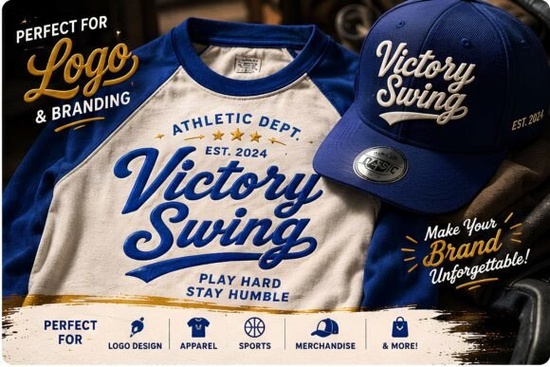
If you need a typeface that captures that classic, energetic sports-lettering vibe without looking dated, Victory Swing Font delivers exactly that. It is a bold vintage script built with smooth curves and purposeful swashes, making it a reliable choice for logos, apparel graphics, and retro-themed branding. Designers and print-on-demand sellers often look for script fonts that feel handcrafted but still read clearly at different sizes, and this one strikes that balance nicely.
What makes this vintage script font stand out?
The letterforms carry a strong, forward-leaning rhythm that mimics traditional athletic logos and mid-century signage. Instead of overly decorative flourishes, the strokes stay clean and controlled. You will notice consistent baseline alignment, which keeps multi-word layouts from looking messy. The dynamic swashes are included as alternates, so you can toggle them on for headlines or turn them off when you need tighter spacing on smaller merchandise tags. For creators who regularly browse hand-drawn script collections, this typeface offers a more structured alternative that still feels personal.
Where does it work best in real projects?
Victory Swing shines when you need instant visual impact without relying on heavy graphics. Think baseball-inspired streetwear, café menu headers, craft beer labels, or bold podcast cover art. The thick strokes hold up well on screen printing and direct-to-garment prints, and the curves translate cleanly to vinyl cutting machines. If you run a small shop or sell on marketplaces, you can use it for:
- Apparel and tote bags where a single word or short phrase needs to pop
- Packaging stickers and hang tags that require a retro but professional finish
- Social media banners and sale graphics that need quick readability on mobile screens
- Event posters and team merch that benefit from a sporty, hand-lettered aesthetic
When you are designing for younger audiences or classroom materials, you might want to explore playful typefaces made for school projects instead, since this font leans more toward bold commercial branding.
How do I pair it with other typefaces?
A strong script usually needs a quiet partner. Victory Swing pairs best with clean sans serifs or simple slab serifs that let the curves take center stage. Use the script for your main headline or brand name, then switch to a straightforward supporting font for details like dates, locations, or product descriptions. If you prefer a softer, more personal feel for secondary text, you can test it alongside casual handwriting styles to create a friendly contrast. For designers who like to mix different script moods in one layout, trying it next to Randy Sofia or Olivia Scatcer can help you see how weight and spacing change the overall tone. Just remember to keep hierarchy clear: one expressive font, one readable workhorse.
What should I check before adding it to my workflow?
Before you commit to any new typeface, it helps to run a few quick tests. Check how the font handles all caps, since some scripts are designed strictly for title case. Look at the kerning on common letter combinations like “Th,” “Sw,” and “ing” to make sure your software does not force awkward gaps. If you plan to cut designs with a plotter, convert your text to outlines and inspect the node count; smoother paths mean fewer cutting errors. You can also preview how Victory Swing Font renders across different background colors and textures to confirm contrast levels. Most modern design programs handle OpenType features smoothly, but older cutting software may require you to convert text to paths first. Always keep a master file with live text so you can adjust tracking or swap alternates later without rebuilding the layout from scratch.
Ready to put it to work? Run through this quick setup checklist before exporting your final files:
- Install both the standard and alternate font files if they are included
- Turn on OpenType features to access swashes and stylistic sets
- Test readability at 12 pt, 24 pt, and 72 pt to confirm scaling behavior
- Convert text to outlines before sending to print shops or cutting software
- Save a version with editable text layers for future revisions
Keep your layouts simple, let the letterforms breathe, and you will get consistent, professional results across every project.
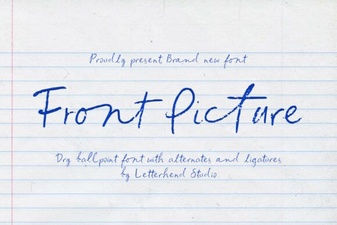 Choosing Fonts for Hero Images & Landing Pages
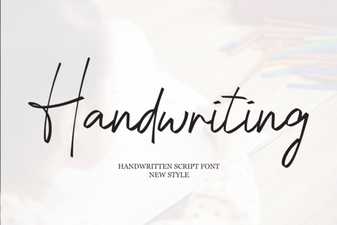 Beautiful Handwriting Fonts for Your Creative Projects
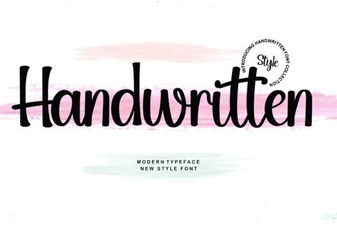 Craft Unique Projects with Handwritten Font Styles
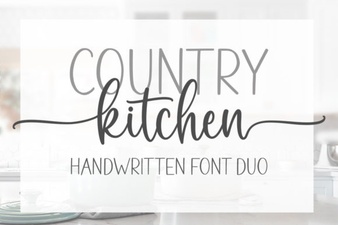 Country Kitchen Fonts for Home & Craft Projects
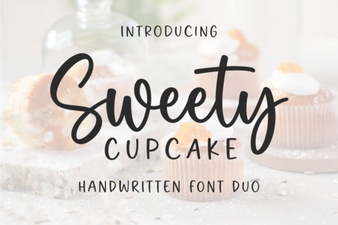 Sweet Cupcake Font: Craft Creative & Fun Designs
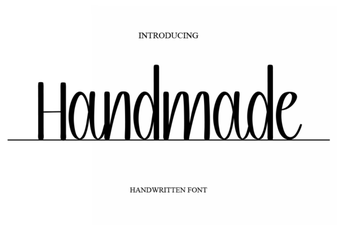 Unique Handmade Fonts for Creative Projects