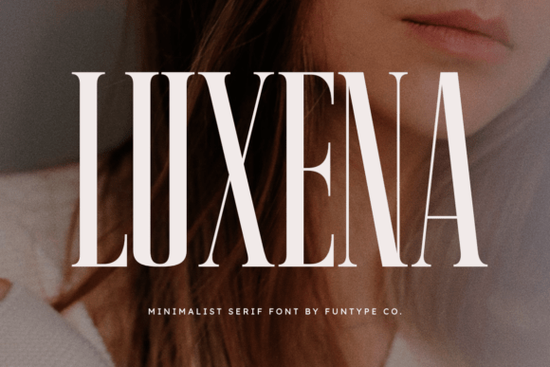
If you need a typeface that commands attention without shouting, Luxena Font delivers exactly that. It’s a tall, minimalist serif built for clean headlines, luxury branding, and sharp digital layouts. Designers, print-on-demand sellers, and small business owners often look for lettering that feels expensive but stays readable. This typeface hits that balance by combining refined vertical proportions with precise, understated serifs.
What makes this serif stand out for branding?
Most bold serifs lean heavily into decoration, which can clutter a logo. Luxena strips letterforms back to their essential shapes, keeping serifs clean and strokes consistent. That minimalist structure gives you a confident look that works well for fashion labels, boutique packaging, and service businesses. The tall x-height also helps you fit more impact into tighter spaces, which is useful for social banners or product tags.
If you’re browsing through our collection of refined serif typefaces, you’ll notice how this one balances height and weight without feeling heavy. It reads clearly at large sizes while maintaining a sleek, editorial feel.
Which projects get the most value from it?
Because of its strong vertical rhythm, this typeface shines in specific use cases:
- Fashion and beauty logos – Clean serifs add sophistication without competing with photography.
- Print-on-demand apparel – Bold lettering prints clearly on cotton, even when scaled down.
- Digital posters – High-contrast headlines stay sharp on mobile screens.
- Small business packaging – Works well on labels and minimalist boxes where white space matters.
Crafters will also find it useful for cutting machines. The smooth curves weed cleanly on vinyl, reducing production time.
What files do you get and how do they work?
You’ll receive both OTF and TTF files. The OTF version is ideal for Adobe Creative Cloud and Affinity because it supports advanced kerning. The TTF version installs quickly on Windows and macOS, and it works smoothly in Canva and cutting software once uploaded.
Installation is straightforward. On a Mac, double-click and select Install Font. On Windows, right-click and choose Install for all users. Restart your software afterward. For print-on-demand platforms, always convert text to outlines or export as a high-resolution PNG to avoid substitution.
How should you pair it with other typefaces?
A strong serif like this doesn’t need much support. Stick to a simple, neutral sans-serif for body copy. Fonts like Inter or Montserrat work well because they don’t compete with the tall serifs. Use the serif for headlines or short quotes, and reserve the sans-serif for paragraphs and contact details.
When setting colors, high contrast works best. Try deep charcoal on a warm off-white background. Avoid busy textures, as the clean lines will lose precision. If you adjust tracking, a slight negative value around -15 often tightens headlines nicely.
Where can you preview or license it?
Before committing to a project, test how the typeface renders in your workflow. You can explore licensing options and preview character sets directly through the Luxena Font page. The commercial license typically covers digital products, physical merchandise, and client work, but verify the current terms for trademarked logos.
Quick setup checklist before you design
- Install both files and restart your design app.
- Set headlines between 48pt and 96pt for optimal clarity.
- Pair with a neutral sans-serif and keep line height around 1.5.
- Export print files at 300 DPI and convert text to outlines.
- Run a small test cut or paper proof before full production.
Start with a single headline layout, adjust the spacing slightly, and see how the letterforms interact with your brand colors. Save it as a reusable template for future posts and packaging.
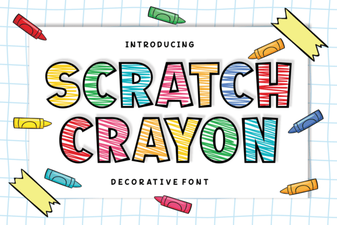 Scratch Crayon Font: Fun Diy Project Ideas
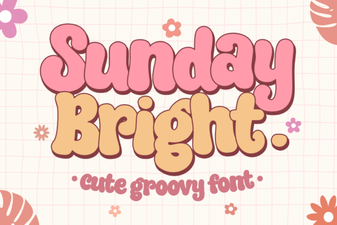 Sunday Bright Font for Creative Digital Projects
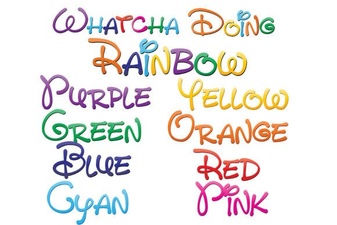 Download the Free Whatcha Doing Font for Your Design Projects
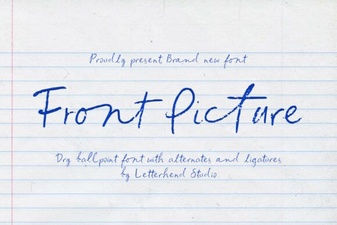 Choosing Fonts for Hero Images & Landing Pages
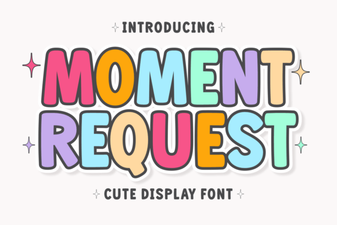 Crafting Projects with Moment Request Font
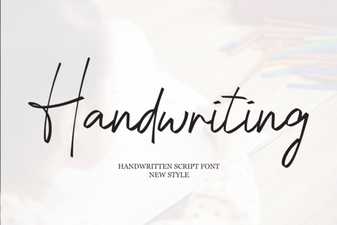 Beautiful Handwriting Fonts for Your Creative Projects